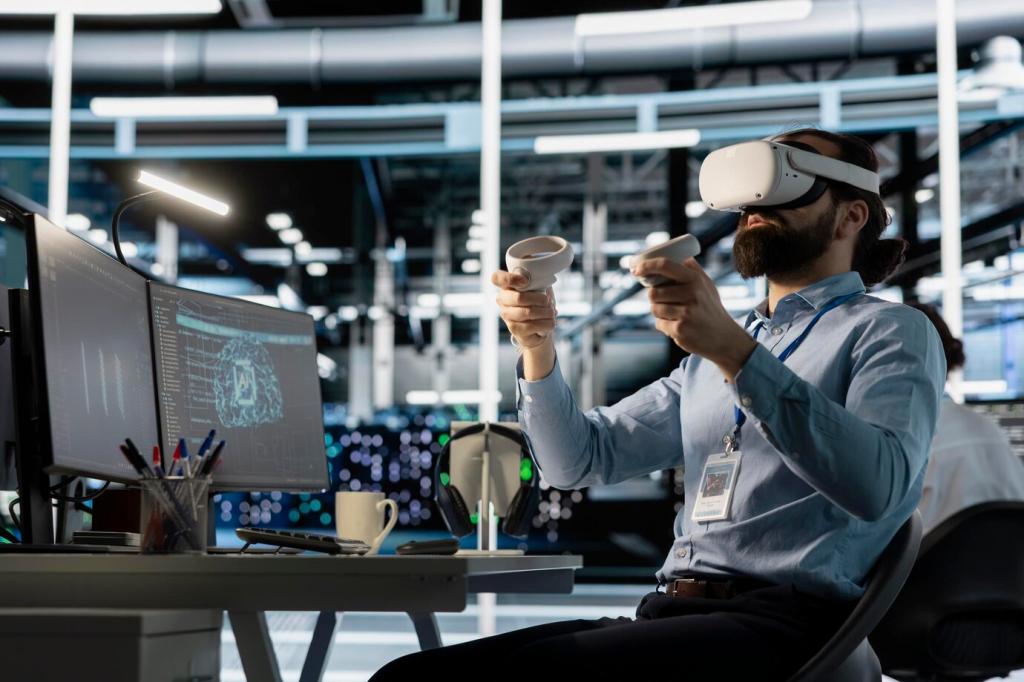
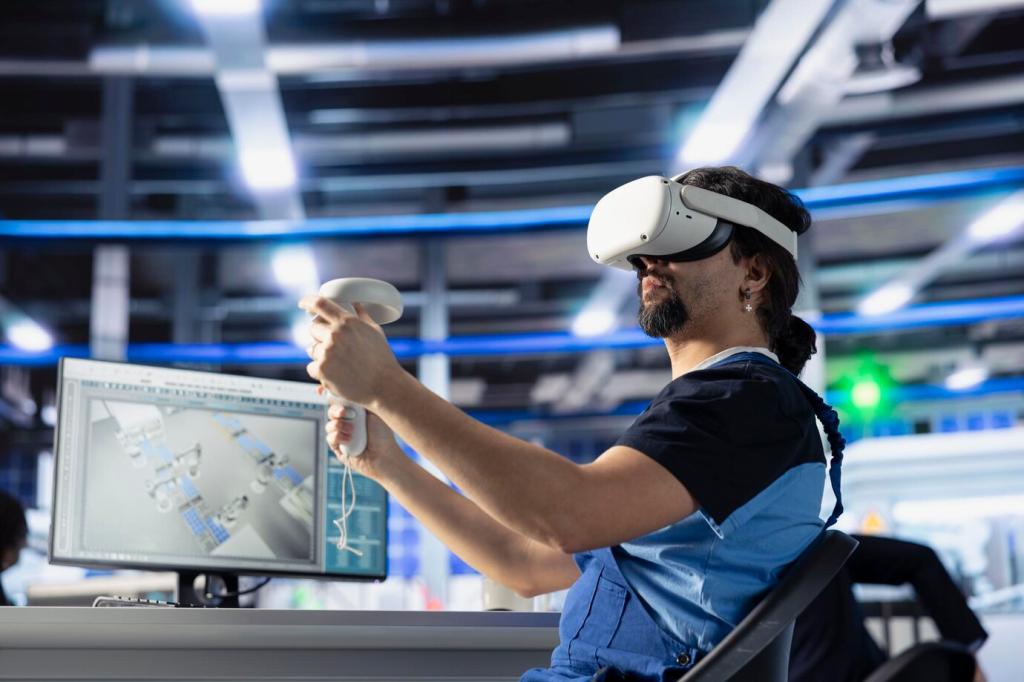

Selected Theme: Step-by-Step Guide to Taking Your First Virtual Reality Tour

Step 1: Choose Your VR Path

If you want simplicity, a standalone headset is convenient and portable. For maximum graphics and apps like Google Earth VR, a PC-tethered setup excels. Consider your budget, room space, and whether friends or family will also tour.

Step 1: Choose Your VR Path

If a demo station or a friend’s headset is available, test comfort, lens clarity, and controller feel. A short hands-on try can reveal whether the strap, weight distribution, and IPD adjustments suit your face.

Step 2: Prepare a Safe, Cozy Play Area

Move chairs, plants, and toys out of the way, and secure any loose cords. A flat, open area—ideally around two meters squared—reduces accidental bumps and lets you focus on the beautiful sights of your tour.

Step 3: Install Apps, Update, and Calibrate

Download your headset’s companion app on your phone, pair the device, and connect to a stable 5 GHz network if available. Strong Wi‑Fi accelerates updates and app downloads, reducing waits before your first tour.

Step 3: Install Apps, Update, and Calibrate

Run all available updates for the headset and controllers. These often improve tracking, battery management, comfort options, and bug fixes that make tours more reliable. Keep your headset on the charger during larger updates.

Step 4: Choose Your First Tour App

Apps like Wander or Brink Traveler guide you through iconic landmarks with gentle navigation and helpful prompts. For PC VR, Google Earth VR offers spectacular views—begin with teleport movement and slower scene transitions to stay comfortable.

Step 4: Choose Your First Tour App

If your internet is spotty, pre-download tour locations or packs. That way, you can freely hop through temples, canyons, or museums without stalls. Smooth transitions keep your focus on the story, not the loading spinner.

This is the heading

Lorem ipsum dolor sit amet, consectetur adipiscing elit. Ut elit tellus, luctus nec ullamcorper mattis, pulvinar dapibus leo.

This is the heading

Lorem ipsum dolor sit amet, consectetur adipiscing elit. Ut elit tellus, luctus nec ullamcorper mattis, pulvinar dapibus leo.

Step 7: Capture Memories, Reflect, and Share

Learn your headset’s screenshot and recording shortcuts, but capture sparingly so you stay present. A few well-framed moments—doorway vistas, skyline reveals—will anchor vivid memories without turning your tour into a camera checklist.
Theissasworld
Privacy Overview

This website uses cookies so that we can provide you with the best user experience possible. Cookie information is stored in your browser and performs functions such as recognising you when you return to our website and helping our team to understand which sections of the website you find most interesting and useful.